





UV DTF Sticker - UV GANG SHEET BUILDER
✨ 30% OFF – First Order Only ✨
Important Artwork Guidelines
Upload artwork at 300 DPI or higher, sized to its final print dimensions, saved as a transparent PNG, TIFF, or PDF.
White ink and adhesive powder apply to every non-transparent pixel. Please remove stray marks or faint edge glows before uploading — designing in CMYK helps colors match the final print.
Files that do not meet these specs may delay your gang sheet while we reach out for a corrected design.
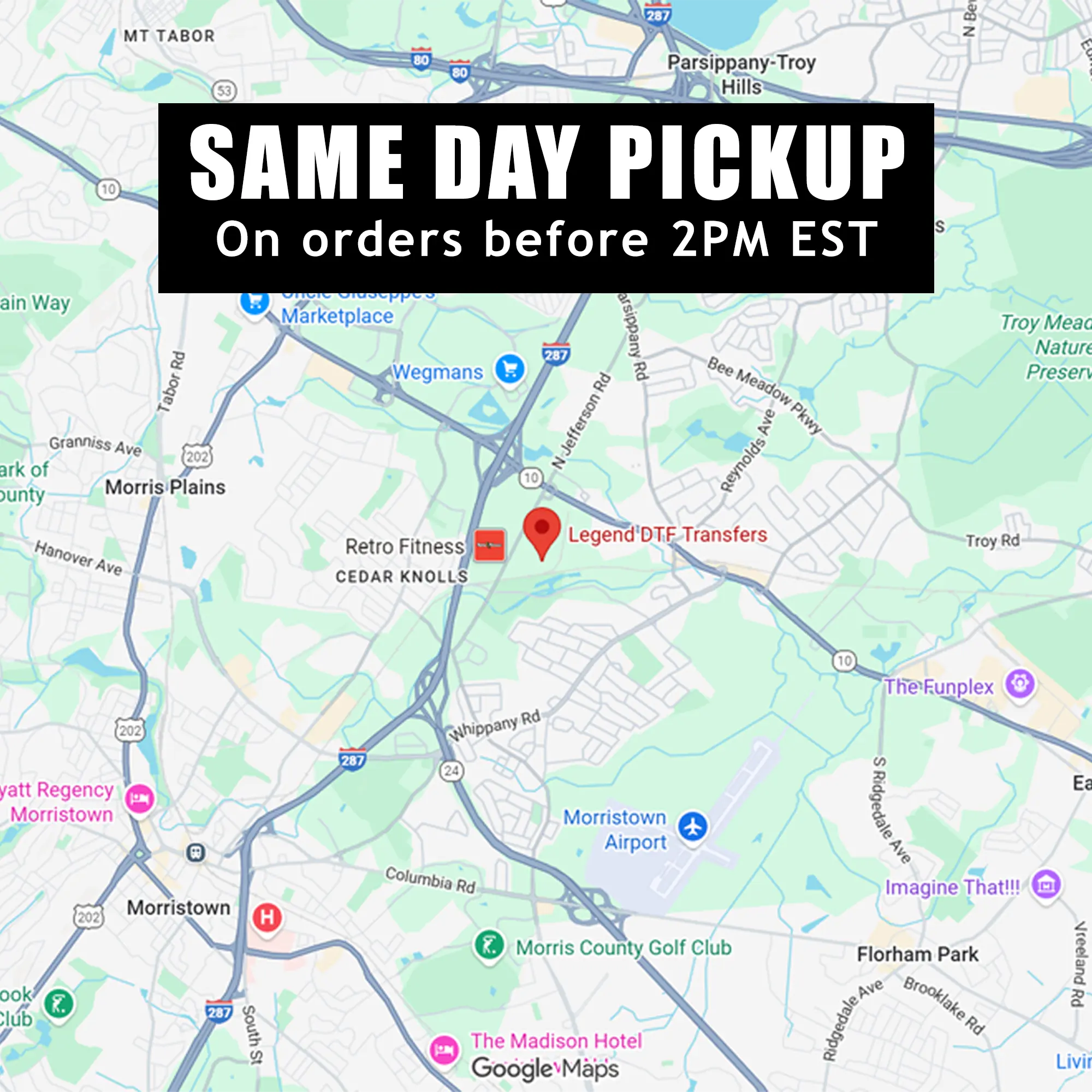
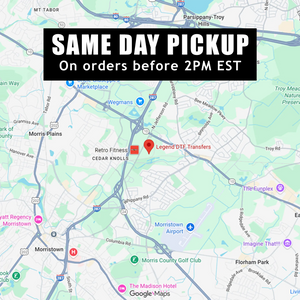
Pickup available at Legend Transfers Garfield Usually ready in 4 hours
Pickup available at Legend Transfers Whippany Usually ready in 4 hours
Pickup available
-
Legend Transfers Garfield
Pickup available, usually ready in 4 hours
102 Van Winkle Ave
Check in google map
Garfield NJ 07026
United States -
Legend Transfers Whippany
Pickup available, usually ready in 4 hours
1 Apollo Drive
Check in google map
Unit D
Whippany NJ 07981
United States
Checkout with Paypal
Ask a question
Estimate delivery times: 1-3 days (United States).
Same Day Shipping (Orders Before 2PM)
Fast and Easy Pick-Up Service: Place your order for DTF and UV DTF prints, and pick them up at your convenience.
Same Day Printing
Guarantee Safe Checkout
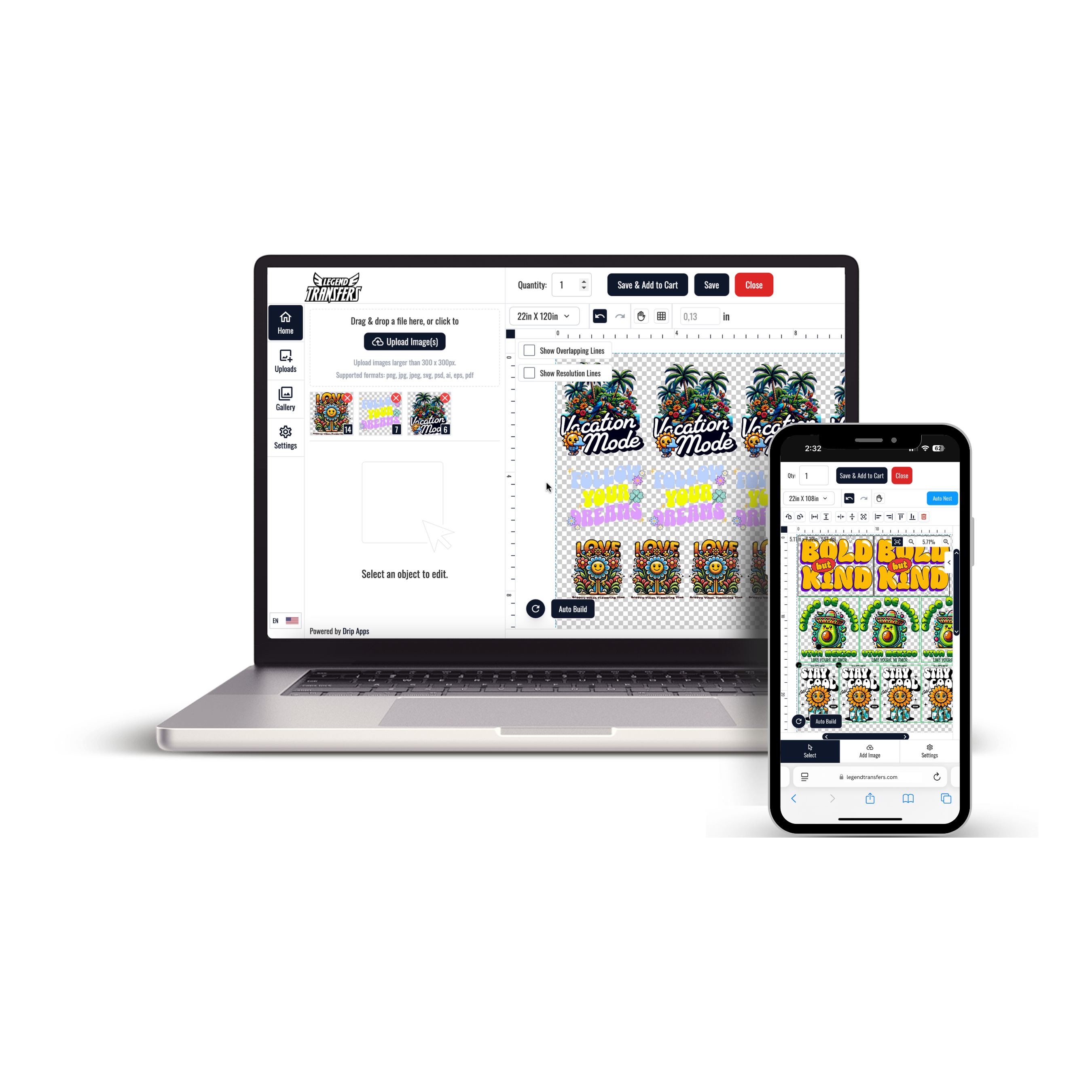
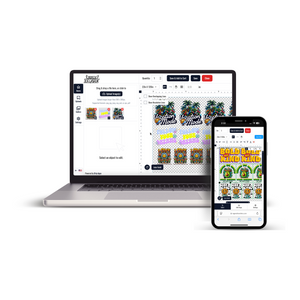
UV DTF Sticker - UV GANG SHEET BUILDER
Description
Product Features
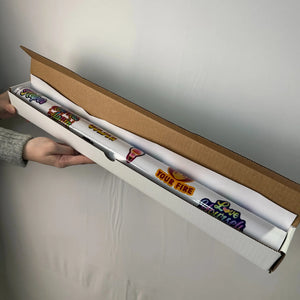
Efficient High-Volume DTF Gang Sheet Printing
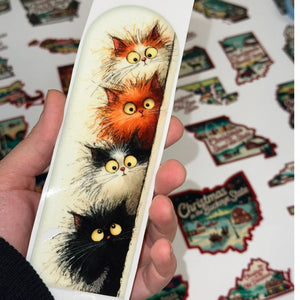
Our DTF gang sheets allow you to combine multiple designs,logos, labels, or custom artwork onto a single large-format sheet. Perfect for streamlined production and cost-effective bulk printing.
Versatile Size Options
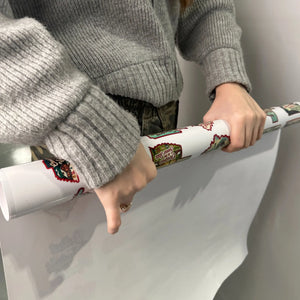
Choose from the industry-standard 22” width, with customizable lengths ranging from 24” to 240” or more. Ideal for small business needs or high-volume production runs.
Print-Ready File Required
For fast and accurate results, your file must be fully arranged, sized, and spaced exactly as you want it printed. File editing is not performed unless requested as an additional service.
Premium DTF Print Quality
Our expert team and high-end equipment deliver vivid colors, high resolution, soft feel, excellent stretch, and durability up to 60+ washes. Professional quality you can rely on.
No Minimums – Order What You Need
Whether you need a single sheet or hundreds, our modern facility in New Jersey is fully equipped to fulfill your order efficiently at any scale.
Same-Day Printing – Local Pickup Available
Place your order by 2 PM ET for same-day production. Enjoy fast local pickup at our Garfield, NJ location or choose nationwide shipping across the U.S.
Upload Recommendations
Accepted File Types
Please upload your artwork in PNG (preferred) or PDF format. If transparency is required, make sure the background is transparent.
👉 Do not upload multiple separate files — all designs must be pre-arranged into a single gang sheet file before submission.
Resolution
Files must be created at a minimum of 300 DPI to ensure high print quality.
Low-resolution artwork may result in blurred or pixelated prints, and we are not responsible for poor output due to insufficient resolution.
Print-Ready Format
We do not edit, resize, or rearrange your designs.
Please ensure your file is fully prepared and ready for print. Double-check all spelling, colors, positioning, and alignment before uploading.
Bleed & Spacing
Leave at least 0.25” (¼ inch) of spacing between each design to allow room for cutting or trimming.
We do not automatically separate or cut your gang sheet unless the "pre-cut" option is selected during checkout.
Size Match
Your uploaded file must match the exact dimensions of the gang sheet size you selected (e.g., 22” x 60”).
Files that do not match may be rejected or automatically scaled, which could lead to image distortion.
Size & Arrangement Tips
Sheet Width
All gang sheets are printed at a fixed width of 22 inches.
You choose the length — common options include 24", 48", 60", or custom lengths up to 240".
Your Responsibility: Layout Preparation
You are fully responsible for how your artwork is arranged on the sheet.
We do not reposition, organize, or adjust the placement of your designs.
Please use design tools such as Photoshop, Illustrator, Canva, or a gang sheet builder to prepare your layout before uploading.
Design Scaling
Each design element must be already scaled to its intended print size.
For example, if you want a logo printed at 3" x 3", it should appear at exactly that size within the file you upload.
Pro Tip: Optimize Your Layout
To maximize space and minimize waste, group similar-sized items together or align repeating elements (like logos or labels) efficiently.
Smart layout saves money and improves production speed.
Pressing Instructions
How to Apply Your Gang Sheet Transfers
Follow these verified steps for optimal results when applying your DTF gang sheet transfers:
1. Cut and Prepare
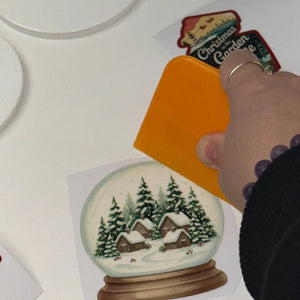
Carefully trim around each design using scissors or a cutting mat, or select the pre-cutting option at checkout if available.
2. Apply Heat
: 300–320°F (150–160°C)
: 7–12 seconds
: Medium to firm
Use parchment paper or a Teflon sheet to protect the design during pressing.
Apply even pressure to fully activate the adhesive and ensure a strong bond.
3. Peel Film
Peel the carrier sheet either immediately after pressing or once fully cooled — both methods are supported and yield excellent results.
No waiting time is required before washing, allowing faster production.
Optional: Repress for Finish
For a smoother, matte finish and added durability, repress using parchment paper for an additional 5 seconds.
⚠️ Pro Tip: Always run a test press on sample fabric before bulk application to verify optimal settings for your garments.